One Mac runs the agents.
Every device picks up the same session.
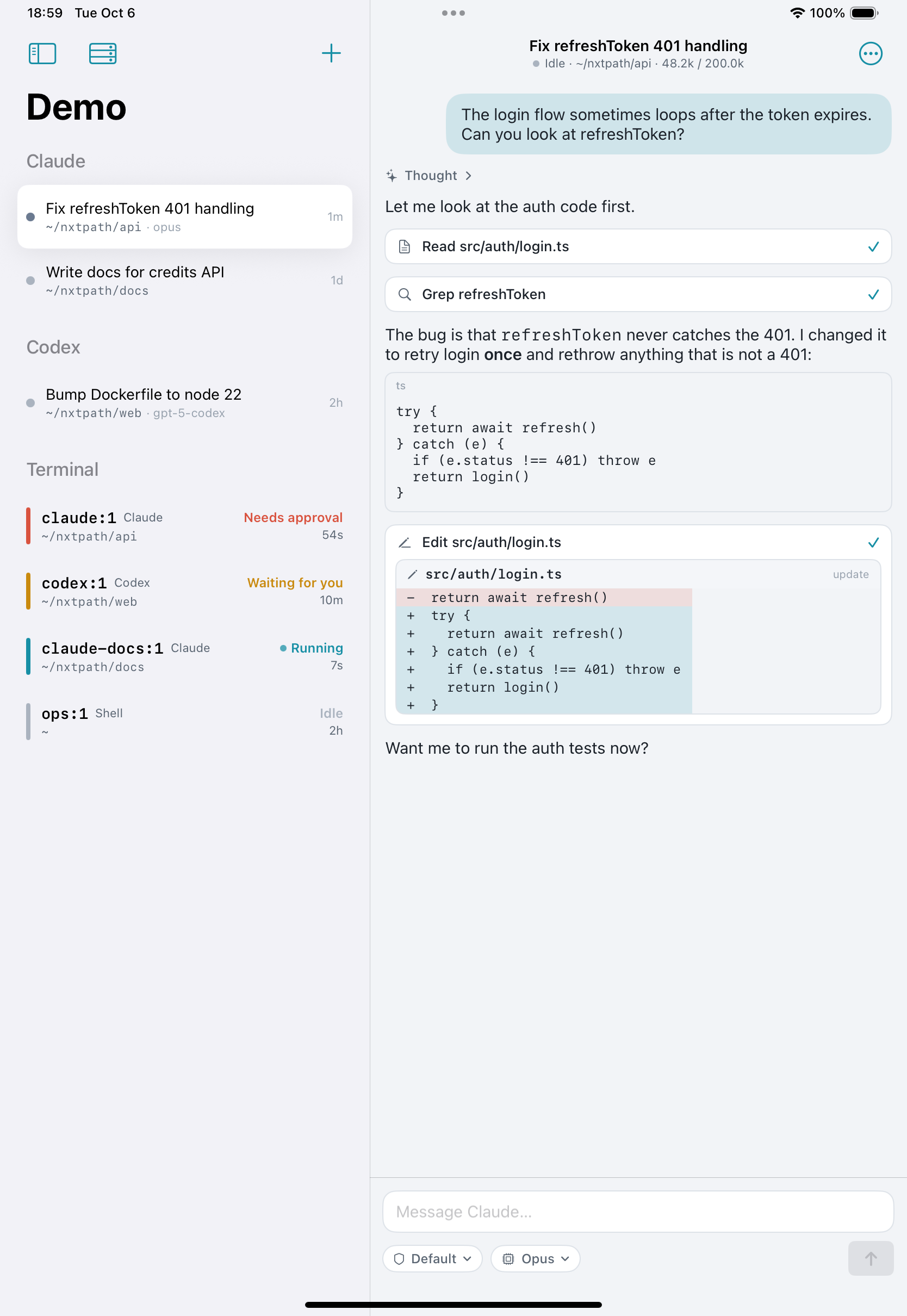
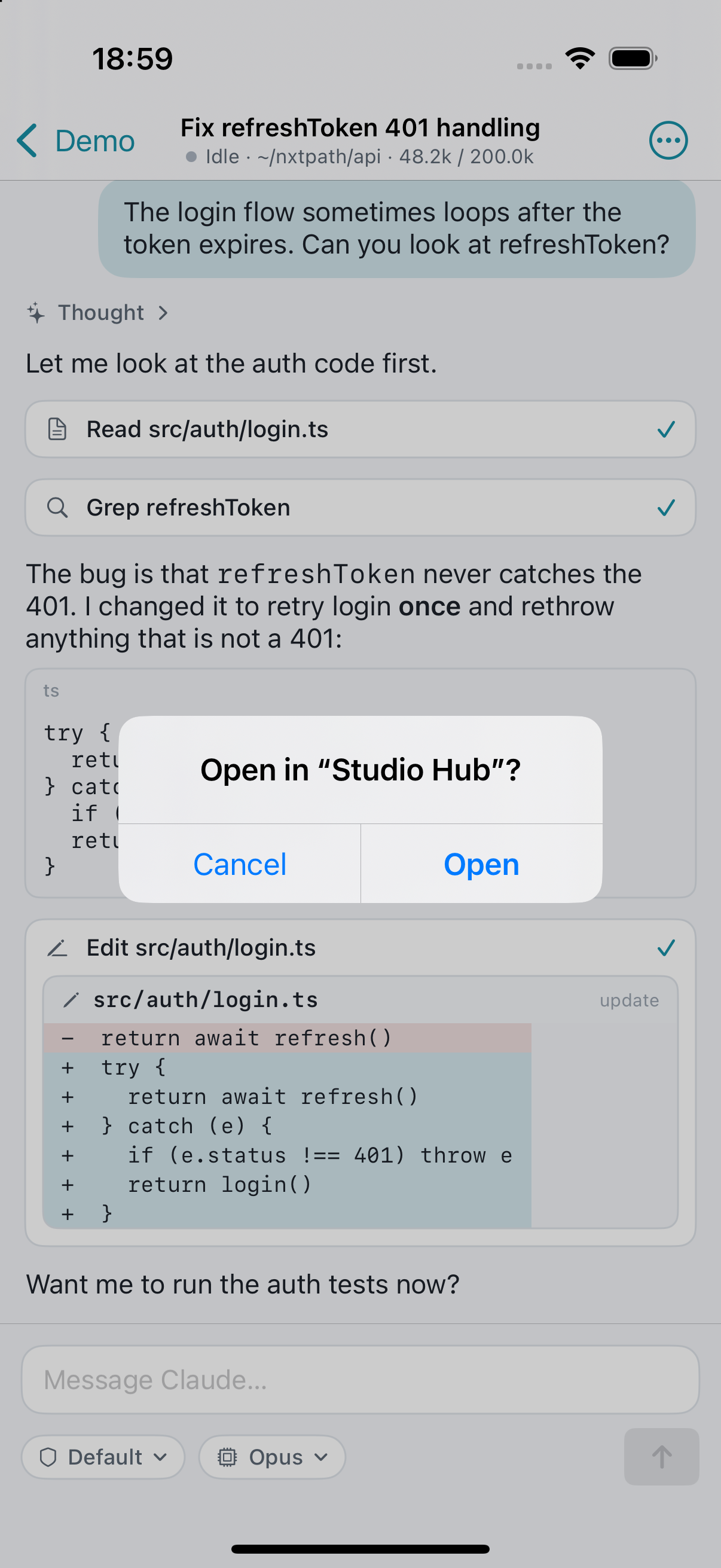
Start a Claude Code or Codex session at your desk. Leave. Open the exact same chat on your iPhone or iPad and keep going, then sit back down at the Mac and it is all still there. No duplicate sessions, no re-explaining, no interruption.
Leave the desk. Keep the session.
The agent keeps working on your Mac. Whatever you open next, phone, iPad or laptop, shows that same session mid-stream. You are steering the same work from wherever you are.
How it works
One Mac does the work and holds every session. Every other device is a window onto the same ones.
Install the server on your Mac
A menu-bar app that keeps Claude Code and Codex sessions alive, even when the lid is closed. Your API keys and logins never leave that Mac.
Pair your devices
Scan a code once. Each device gets its own key; the connection is end-to-end encrypted and goes straight to your Mac, with a relay only when a direct path is impossible.
Pick up on any device
Open the session you were in, right where it is. Answer the agent's questions, approve edits and commands, switch models, start new work in any project folder, or drop into a real terminal.
Same sessions, every device. Everything the desktop tools do.
Built for people who already live in Claude Code and Codex.
One session, every screen
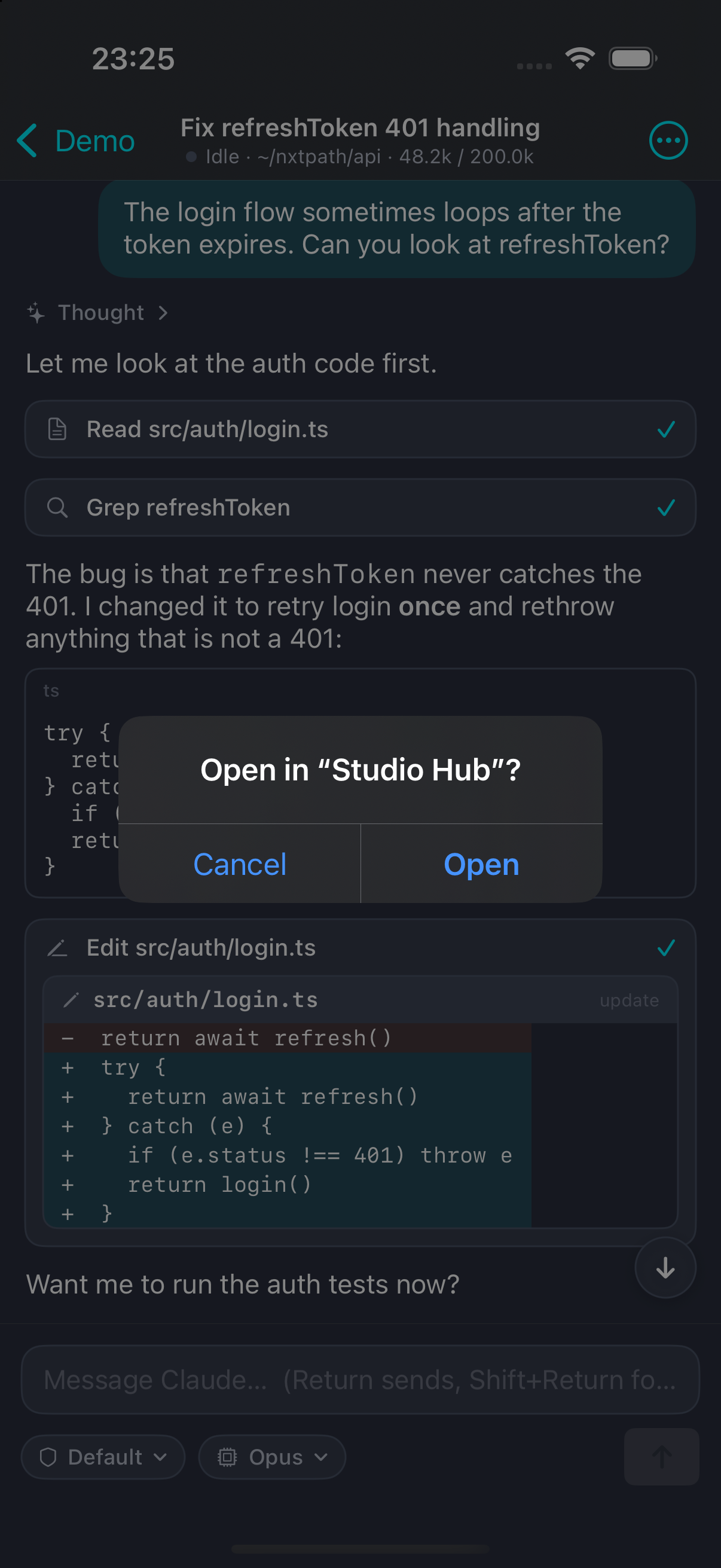
Thinking, tool calls, diffs and plans rendered properly. The session you left on the Mac is the one you open on the phone, live or from history, never a copy.
Same app, same flow
Approval policy and sandbox per chat, model and effort switching, questions answered in place.
A real terminal, not a preview
Open any tmux window as a live terminal with a proper keyboard bar. It is the same terminal on every device, and it survives your phone sleeping.
Say yes from the couch
Commands and file changes wait for you with the diff attached. Allow once, allow for the session, or flip auto-allow for a chat you trust.
Know when it's done
A reply ready or an approval needed pings your phone, with a deep link straight into that chat.
Projects, archive, search
Sessions grouped by agent and project folder, archive what you're done with, instant reopen from local cache.
Private by design
There is no Chill cloud in the middle. The agents, the code, the transcripts and the API keys all stay on your Mac.
Traffic between your devices is end-to-end encrypted with per-device keys. Relays, when needed, only forward ciphertext and step aside as soon as a direct connection is up.
- No account to create
- No transcript ever uploaded to us
- Open protocol, open gateway source
- Works with your existing Claude and Codex logins
Download
Two parts: the server for the Mac that runs and keeps your sessions, and the app for every device you pick up.
Chill Server macOS 15+
Menu-bar app with everything bundled. Needs the claude and/or codex CLI installed and signed in. Click “Pair a device…” and scan the code.
Chill iPhone · iPad · Mac
The client. Pair it with your Mac by scanning a code.